

The Mandatory Digital Form Replacing the TM6: Everything You Need to Know
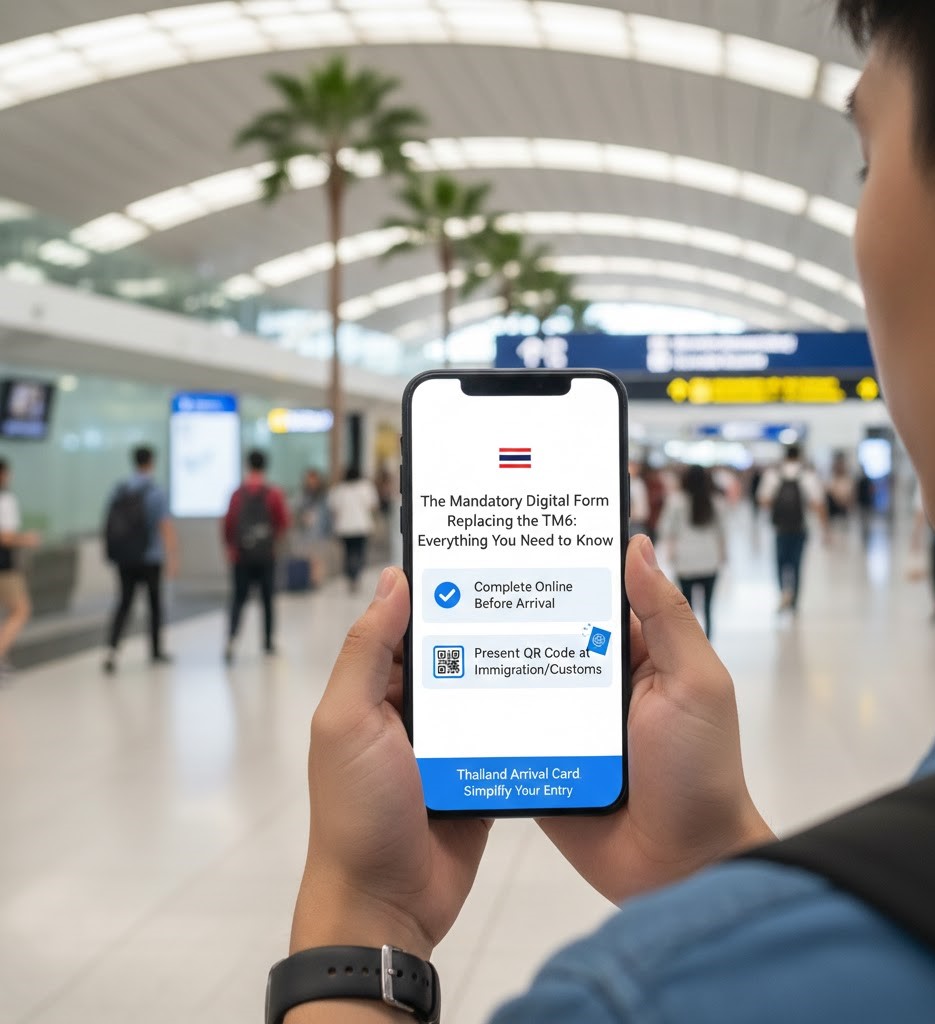
If you are planning a trip to Thailand after May 1, 2025, the outdated paper arrival form (TM6) is officially gone. All non-Thai citizens, regardless of visa status or entry method, are now required to submit the Thailand Digital Arrival Card (TDAC) online before arrival.
The TDAC is a mandatory digital declaration designed to speed up immigration processing and enhance national security. Trevalo provides the complete, step-by-step guide to correctly submitting your TDAC, ensuring a fast, hassle-free clearance at Bangkok (BKK/DMK), Phuket, or any Thai port of entry.
🔑 Section 1: TDAC Essentials and Requirements
The TDAC is the digital key to entering Thailand. Understand these core rules before you begin the process.
1. Who Must Submit the TDAC?
- Mandatory: All non-Thai nationals entering the Kingdom, including tourists, business travelers, long-term residents, and holders of all visa types (VOA, visa-exempt, long-term).
- Mode of Transport: Required for entry by air, land, or sea.
- Exceptions:
- Travelers transiting or transferring through Thailand who do not pass through immigration control (remain airside).
- Individuals entering using a specific Thailand Border Pass (for local border crossings).
2. When to Submit (The 3-Day Rule)
- You must submit the TDAC no earlier than three (3) days (72 hours) before your scheduled date and time of arrival in Thailand.
- Example: If your flight lands on Friday, May 15th, at 10:00 AM (Thailand Time), you can submit the form anytime starting from Tuesday, May 12th, at 10:00 AM (Thailand Time).
3. What You Will Need
Before you start, gather these details for a quick submission:
| Required Information | Purpose |
| Passport Details | Passport Number, Full Name, Nationality, Date of Birth. |
| Travel Itinerary | Arrival Date, Flight/Vehicle Number, Mode of Transport (Air/Land/Sea). |
| Accommodation | Full address of your first night’s stay (Hotel, Guesthouse, or Residential Address). |
| Contact Info | Valid Email Address (for receiving the TDAC) and Phone Number. |
| Health Declaration | Countries visited in the past 14 days and declaration of symptoms. |
📝 Section 2: Step-by-Step TDAC Submission Guide
The process is fast, and should only take about 5 minutes if you have your documents ready.
1: Enter Personal and Passport Details
- Input your Full Name, Nationality/Citizenship, Date of Birth, Gender, and Passport Number exactly as they appear on your physical passport.
- Click “Continue.”
2: Add Travel and Accommodation Details
- Enter your Arrival Date, Mode of Travel, and the Flight/Vehicle Number (e.g., Thai Airways TG921).
- State your Purpose of Visit (e.g., Tourism, Business, Education).
- Enter the full Address of your accommodation in Thailand (Province, District, Sub-District, and Street Address).
3: Complete the Health Declaration
- This short section requires you to list any countries you have visited within the last 14 days prior to arrival.
- You will be asked to confirm if you have experienced any specific symptoms (e.g., fever, cough, rash).
- If you are arriving from a country listed as a Yellow Fever risk zone, the system may prompt you to upload proof of vaccination.
4: Review and Submit
- The system will present a full preview of your submission. Take a moment to double-check every field for accuracy. If you spot an error, click the “Edit” button to go back and correct it.
- Enter your valid Email Address (crucial for receiving your TDAC confirmation).
- Check the box to agree to the terms and conditions, then click “Submit.”
✅ Section 3: After Submission and Arrival
The TDAC Confirmation
- You will receive a confirmation screen and an email containing a link to download your Thailand Digital Arrival Card (often a PDF).
- What to Save: Save a digital copy (PDF or screenshot of the QR code) on your phone. Printing a hard copy is optional but recommended as a backup.
- Validity: The TDAC is valid only for the single entry on the expected arrival date you indicated. You must submit a new TDAC for every re-entry.
Presenting the TDAC at Immigration
- Proceed to the Immigration Counter (Foreign Passport Holders).
- Present your Passport and the Digital/Printed TDAC Confirmation (QR Code).
- The officer will scan the QR code to pull up your registered details, verify your passport, and grant your entry stamp.
The TDAC Advantage: Error Correction
Unlike some digital cards, the TDAC system allows for correction after submission.
- If you made a mistake on your flight number, address, or travel dates, you can go back to the official portal and click the “Update Arrival Card” option to make changes before your trip.
- Note: You cannot change your full name, nationality, or date of birth after initial submission. If these core details are wrong, you must submit a brand new form.
TREVALO FINAL ADVICE: Do not wait until your flight to submit the TDAC. Complete the process on a reliable network within the 3-day window. This simple, free step ensures you avoid the lengthy