

Your Essential Digital Tool for Faster Immigration and Customs Clearance at Japanese Airports
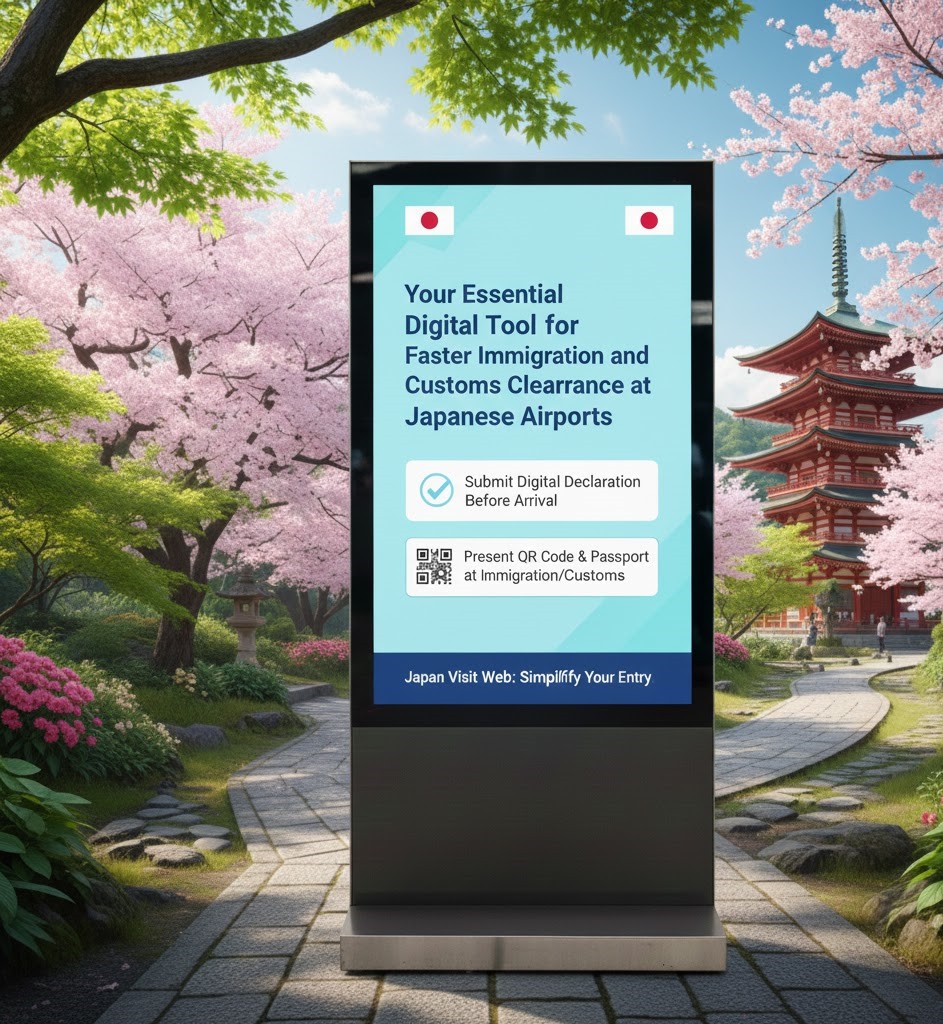
The Visit Japan Web VJW service is the official, and highly recommended digital platform provided by the Government of Japan (Japan Arrival Card) to simplify and speed up arrival procedures at the airport.
VJW is essential because it allows you to pre-register the information traditionally required on paper forms: the Immigration Disembarkation Card and the Customs Declaration Form. By using VJW, you generate unique QR Codes that you simply scan at automated gates upon arrival. Consequently, you bypass the manual paperwork and long queues.
This guide provides the complete, step-by-step walkthrough for foreign visitors to successfully register on VJW and generate the necessary QR codes before landing in Japan.
🔑 Section 1: VJW Essentials – What You Need to Know
1. What is Visit Japan Web?
VJW is a web-based service (optimized for mobile) that unifies three key aspects of your journey:
- Immigration Clearance: Registration of your entry information (replaces the paper Disembarkation Card).
- Customs Declaration: Electronic declaration of personal effects and unaccompanied items (replaces the paper Customs form).
- Tax-Free Shopping: Registration for an optional digital tax exemption QR code (separate from arrival procedures).
2. Is VJW Mandatory? (Highly Recommended)
Visit Japan Web VJW is not strictly mandatory; however, you always have the option to fill out the paper Disembarkation and Customs forms upon arrival.
However, VJW is strongly recommended because:
- Speed: It grants access to faster QR code scanning lanes at Immigration and Customs.
- Convenience: It avoids the hassle of filling out forms on the plane or at the airport.
- Unified System: It links your required information together under one secure profile.
What You Will Need:
- Valid Passport (must be valid for the duration of your stay)
- Active Email Address
- Flight Number and Planned Arrival Date
- Address and Contact Phone Number for your first accommodation in Japan (Hotel, Airbnb, etc.)
📝 Section 2: Step-by-Step VJW Registration Guide
The process of Japan Arrival Card is divided into three main stages: User Setup, Trip Registration, and Declaration Submission.
First: User Registration (One-Time Setup)
- Enter Your Details: Log in and click on “Your Details.”
- Confirm you are NOT a Japanese citizen and do NOT have a special re-entry permit.
- Register Passport Information: You can upload a photo of your passport’s bio-page (highly recommended for accuracy) or, alternatively, manually enter the details.
- Register Family Members: If traveling with family, register their details in this section (“Details on family members traveling with you”). This saves time later (up to 10 family members can be linked).
Second: Registering Your Trip
- From the home screen, click “Register new planned entry/return.”
- Trip Name & Date: Give your trip a name (e.g., “Tokyo Holiday”) and enter your Planned Arrival Date in Japan.
- Flight Information: Enter the Airline Name and the Flight Number (only the digits, e.g., ‘123’ for JL0123).
- Accommodation Details: This is crucial. Specifically, you must provide the name and contact information for your first place of stay in Japan.
- Enter the Postal Code first. The system will auto-populate the Prefecture and City/Ward.
- Manually enter the detailed address (Street/Block) and the Name of the Hotel/Residence.
Finally: Completing the Digital Declarations
Once the trip is registered, you must complete the required arrival (Japan Arrival Card) procedures:
- Click on your registered trip and look for the section: “Immigration clearance and Customs declaration.”
A. Immigration Clearance (Disembarkation Card)
- Fill in your purpose of visit, intended length of stay, and confirm your basic passport details.
- Then, proceed to answer the standard immigration questions. For example, you may be asked whether you have been deported from Japan before.
B. Customs Declaration
- This is the electronic version of the Customs form.
- You will be asked to declare if you are carrying any prohibited items, large amounts of cash (over JPY 1,000,000), commercial items, or exceeding the duty-free allowances for alcohol and tobacco. (See Section 3).
- Answer all questions truthfully.
Stage 4: Generating and Saving Your QR Codes
After completing both the Immigration and Customs declarations, the status will change to “Registered” (often shown in blue or green).
- Click “Display QR code” for the Immigration Clearance.
- Click “Display QR code” for the Customs Declaration.
- Pro-Tip: Take a screenshot of both QR codes! Do not rely on airport Wi-Fi or mobile data to load the website upon arrival.
✈ Section 3: Visit Japan Web VJW Upon Arrival at the Airport
1. Immigration Clearance
- Proceed to the e-Gate or automated clearance counter.
- Scan your Passport.
- Scan your Immigration Clearance QR Code.
- The system will capture your photograph and fingerprints (biometrics), thereby ensuring clearance is typically completed in seconds.
2. Customs Declaration
- After collecting your luggage, proceed to the Customs area.
- Look for the Electronic Declaration Gate or terminal.
- Scan your Passport.
- Scan your Customs Declaration QR Code.
- If you have nothing to declare, the gate will typically open instantly. If you have declared dutiable items, you will be directed to an officer for payment.
TREVALO FINAL ADVICE:
Complete the VJW registration before you check in for your flight. While VJW is not mandatory, the time savings upon arrival at major airports like Narita (NRT) and Haneda (HND) are substantial.